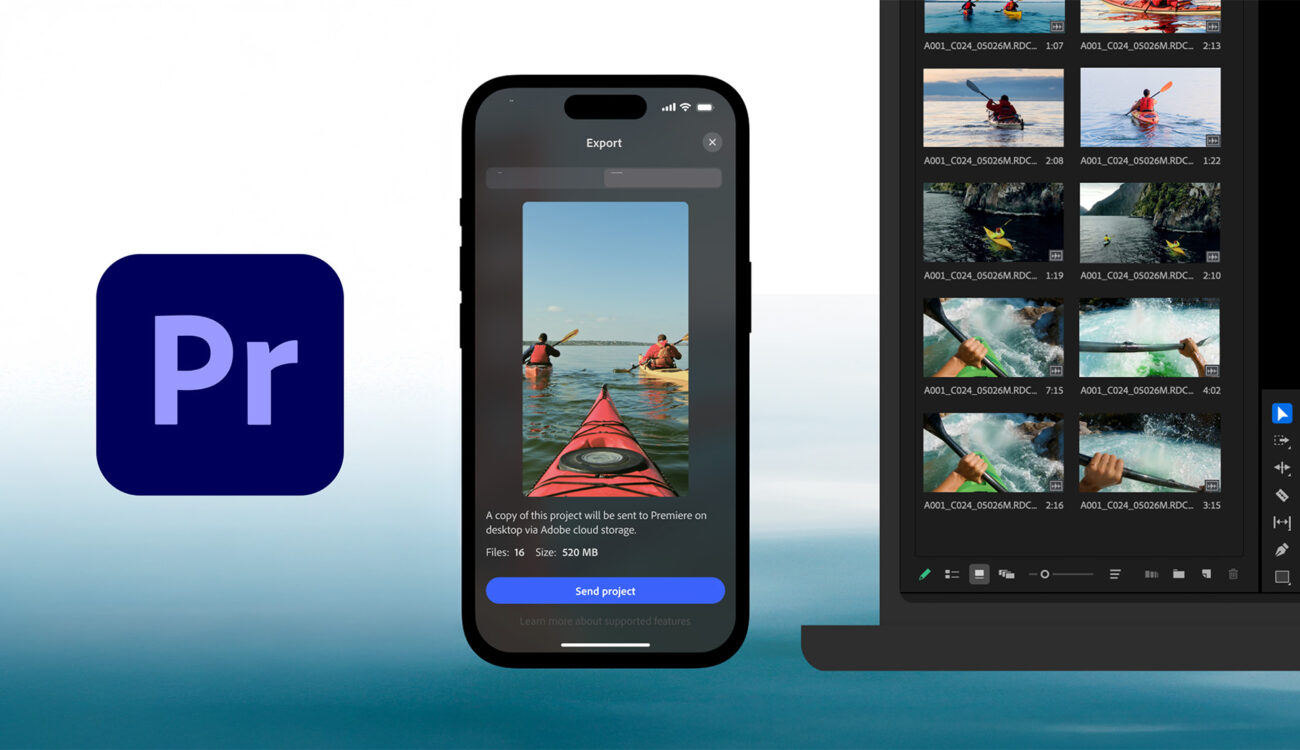
Adobe has released a new Premiere app for iPhone that brings multi-track, frame-accurate video editing, studio-quality AI audio tools, and Firefly-powered visuals to mobile, with seamless handoff to Premiere Pro on desktop. The app is free to download today, with Android in development.
Adobe’s push into serious mobile post is no longer theoretical. The new Premiere on iPhone app (App Store link) is now available (we reported about the announcement in early September) and aims to compress much of the desktop experience into a touch-first workflow that keeps creators moving fast on set, on the street, or between client calls. Beyond the feature list, the bigger story is Adobe’s consolidation of its mobile lineup: Premiere Rush is being phased out as Premiere on iPhone becomes the company’s flagship path to publish from a phone, with send-to-desktop when projects need finishing on a larger screen.
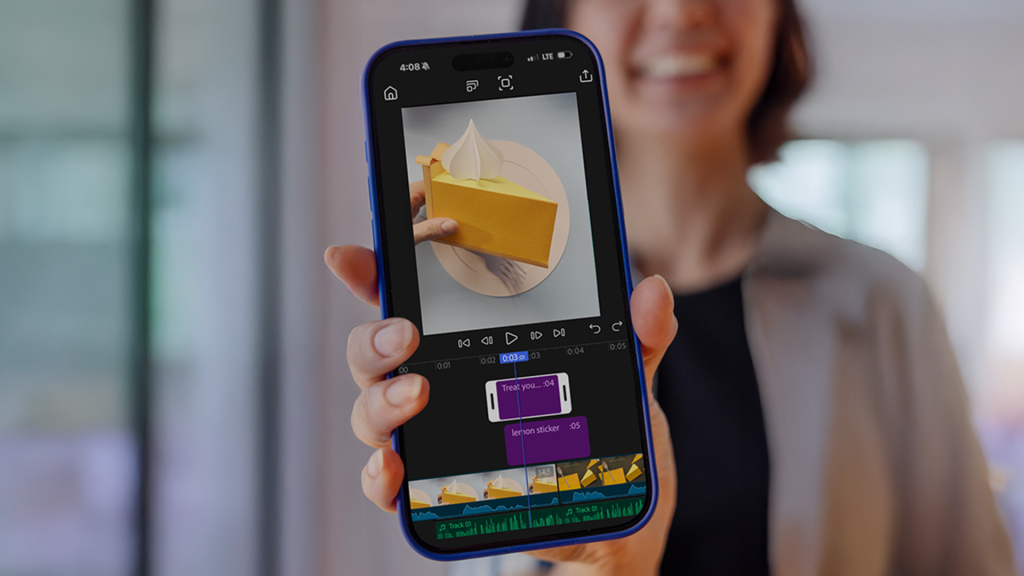
What’s new in the mobile Premiere
Adobe’s iPhone app centers on precision editing and audio, plus a direct bridge to desktop finishing.
- Multi-track timeline and 4K HDR: Unlimited tracks, frame-accurate trims, speed and motion effects, animated captions, and instant background removal, all tuned for iOS performance.
- AI audio for cleaner dialogue and timing: Enhance Speech for clear voiceovers and Generative Sound Effectsto place perfectly timed effects without hunting libraries.
- Firefly-powered visuals: Generate stickers and background expansions, and create unique assets that carry Adobe’s “commercially safe” promise.
- Cross-device workflow: Start on iPhone, then hand off to Premiere Pro on desktop for deeper grading, effects, or mix work.
Start editing on iPhone, continue on desktop
For pros, the headline is not that you can cut on a phone. It is that you can reliably cut on a phone and keep edits interoperable with a desktop timeline. That matters on doc runs, branded content days, or newsy social deliverables where a client needs a same-day vertical plus a longer horizontal cut later. The AI audio upgrades are practical, especially for quick voiceover cleanup or dropping a bespoke effect exactly on action without breaking flow.
Rush out, Premiere in
Adobe confirms Premiere Rush is being discontinued as the company transitions mobile users to Premiere on iPhone. If you have Rush muscle memory or ongoing projects, this is the sign to migrate and test round-tripping with your desktop workflow. An Android version of the new Premiere app is in development, with preregistration pages live.
Pricing and availability
Premiere on iPhone is free to download and available globally today on the App Store. The core experience is ad-free and watermark-free, with optional upgrades for additional storage and Firefly generative credits.
Quick take for professional Premiere editors
If you already live in Premiere Pro, this mobile app is the most direct route to keep edits in the family when speed is the priority. It will not replace a calibrated desktop, yet it can plausibly deliver polished social, BTS, and client-review cuts with audio that is cleaner than typical phone workflows. The real test will be stability on long multi-track timelines and how faithfully effects translate back to desktop, but on paper this is Adobe’s most convincing mobile editing move so far.
Key features at a glance
Android version in development
Multi-track, frame-accurate timeline with 4K HDR support
Enhance Speech and Generative Sound Effects for audio
Firefly-powered visual generation and assets
Send projects to Premiere Pro on desktop
Free download, optional paid storage and AI credits
Android version in development
By Nino Leitner